
Jam X
Original price was: $249.00.$99.00Current price is: $99.00.
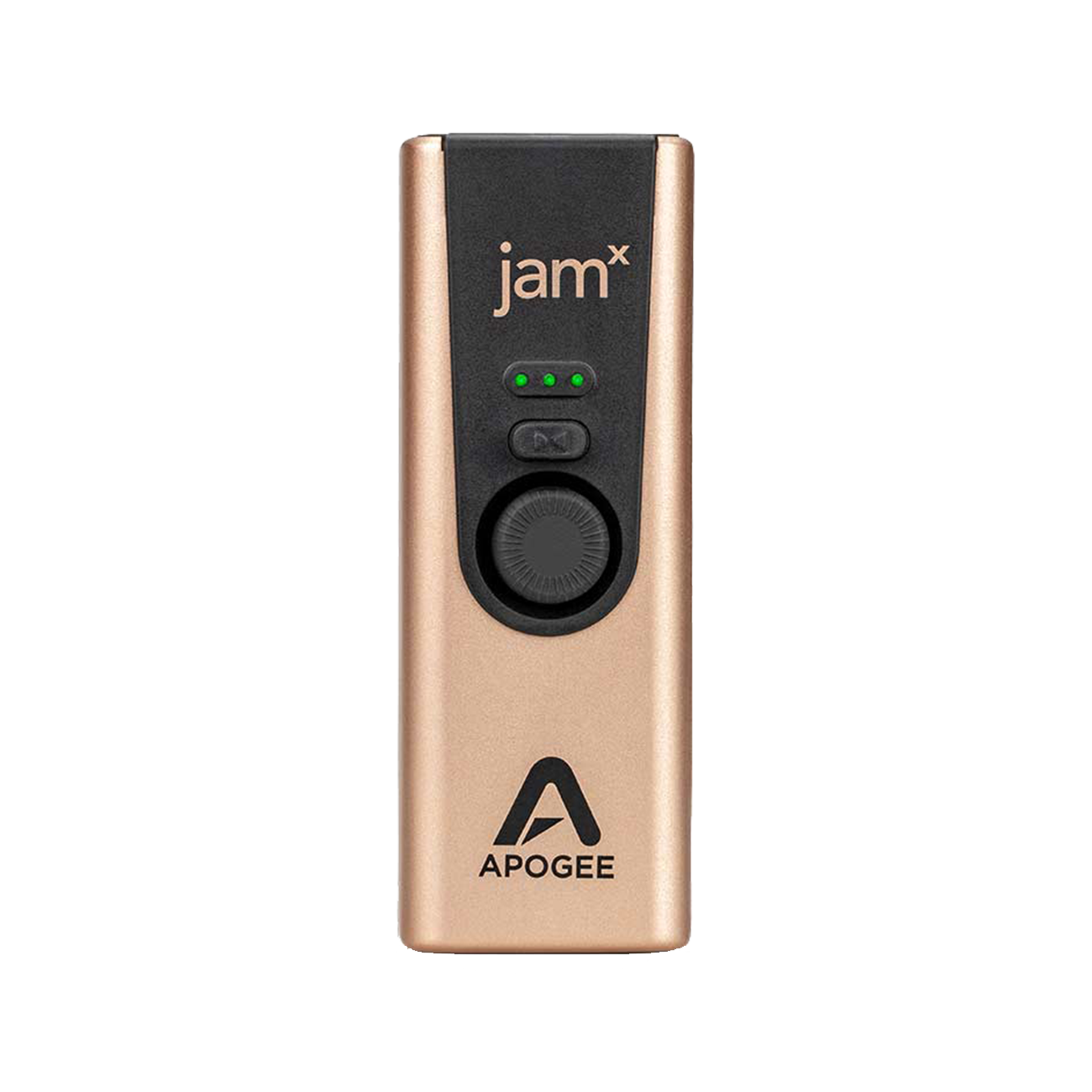
Mobile Guitar Interface
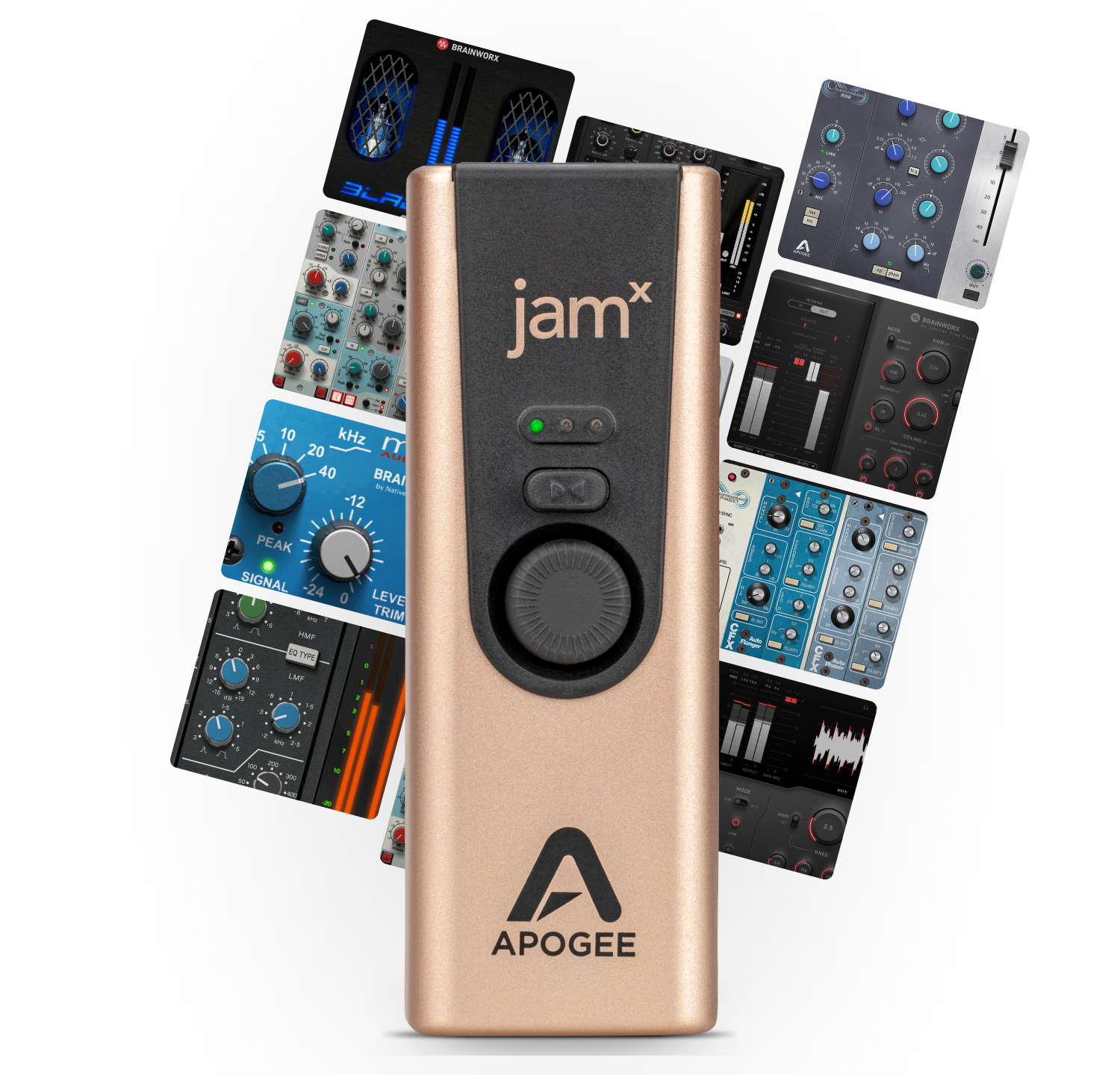
Responsive and musical, Jam X brings your direct tone to a whole other level thanks to its built-in analog compressor. Choose from 3 presets that respond to how much you drive the input gain. Limited-Time Offer: Get 3 FREE Plugins! Choose from 100 eligible Plugin Alliance plugins, including guitar and bass amps from Diezel, ENGL, Friedman, Ampeg, Brainworx, and more, plus effects, EQs, and compressors. Yours to keep! Plus, get 90 days of Plugin Alliance PRO with access to 200+ plugins. Offer ends 12/31/26. PRO requires a credit card and auto-renews unless canceled.
-

3 Levels of Built-In Analog Compression
-

Limited-Time Offer: Get 3 Plugin Alliance Plugins FREE!
-
Record with Zero-Latency with Blend Mode
-
Compatible with iOS, Mac, & Windows
Jam X
$99

Bring Your Instrument To Life
Shape Your Tone
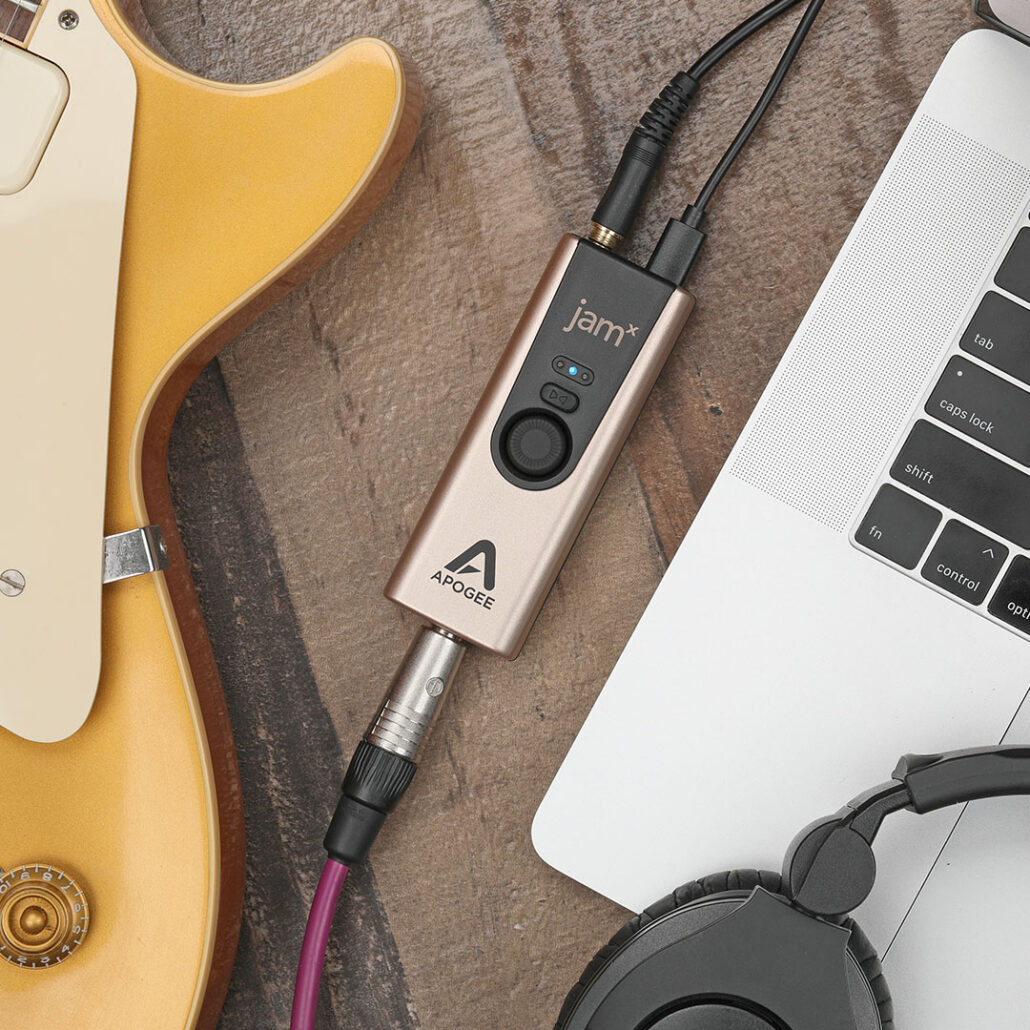
By applying compression before your virtual amp sim, you'll find new life in your guitar tone. Or record clean. The choice is yours.
Never Miss A Beat
Stay in the rhythmic pocket with Blend mode, allowing you to record with absolutely no vibe-killing latency (delay).

Crank It Up
With high-resolution sample rates up to 96k and ample headroom, Jam X delivers incredible clarity to your headphones or speakers.

Product Details
Specifications
Highlights
Included Software
Compatibility
In The Box
- Max Gain: 36dB
- Max Input Level: +18dBu
- Max Headphone output level: 8dBu (1.9Vrms) 100mW into 32 Ohm.
- Apogee’s PureDIGITAL connection for pristine sound quality
- Built-in Analog Compressor with 3 Presets: Smooth Leveler, Purple Squeeze, and Vintage Blue Stomp
- Up to 24-bit / 96 kHz recording
- Works with guitar, bass, keyboards, synths, & more.
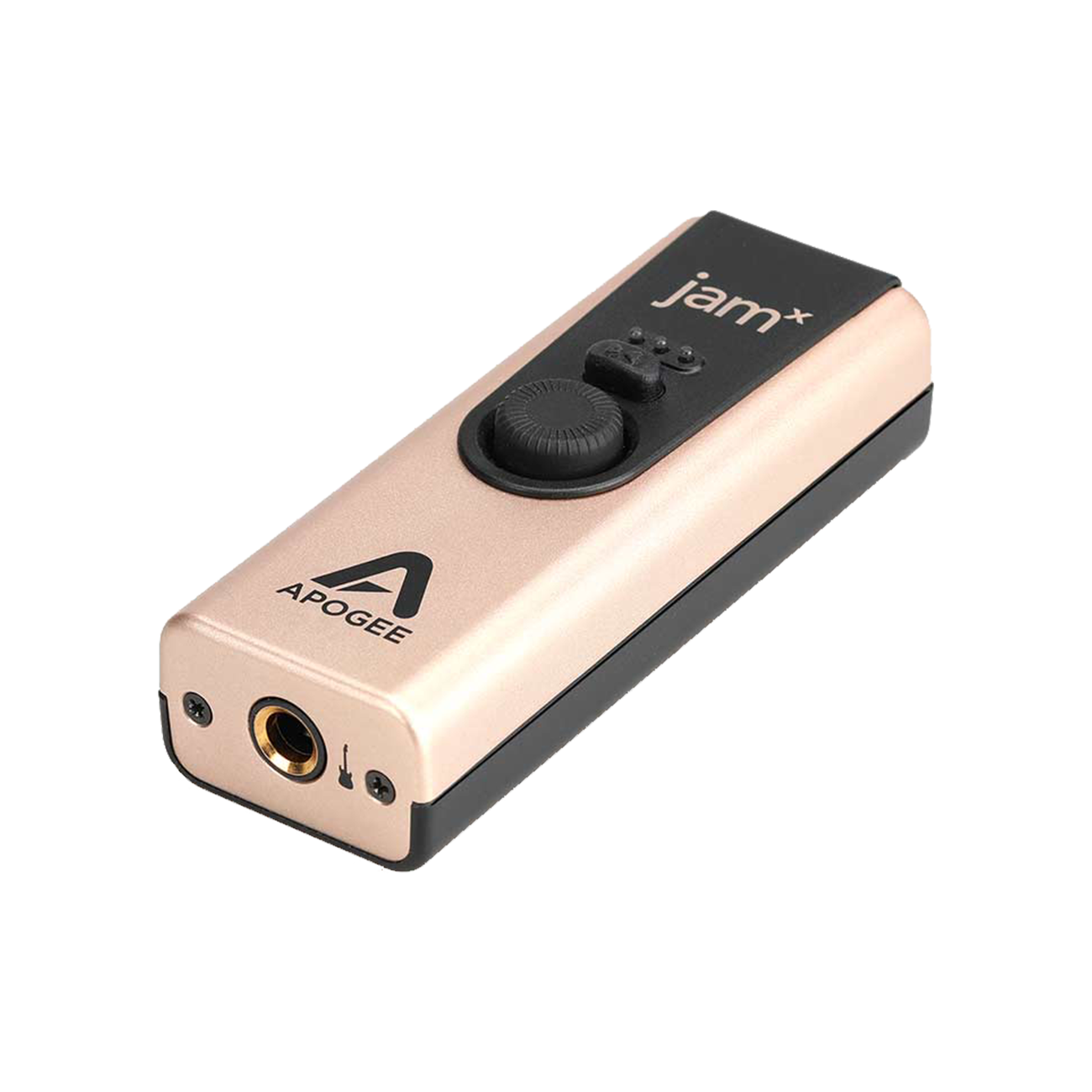
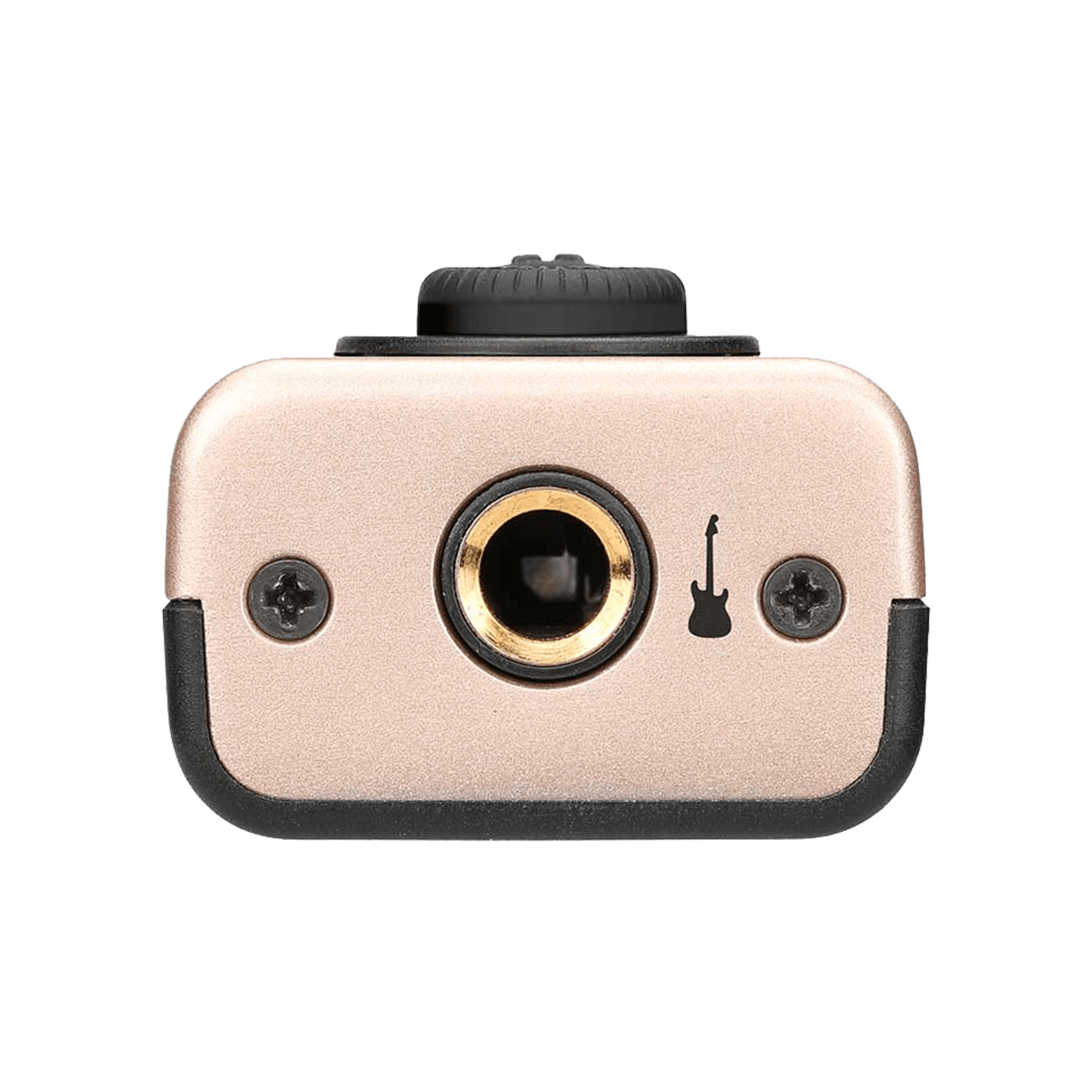
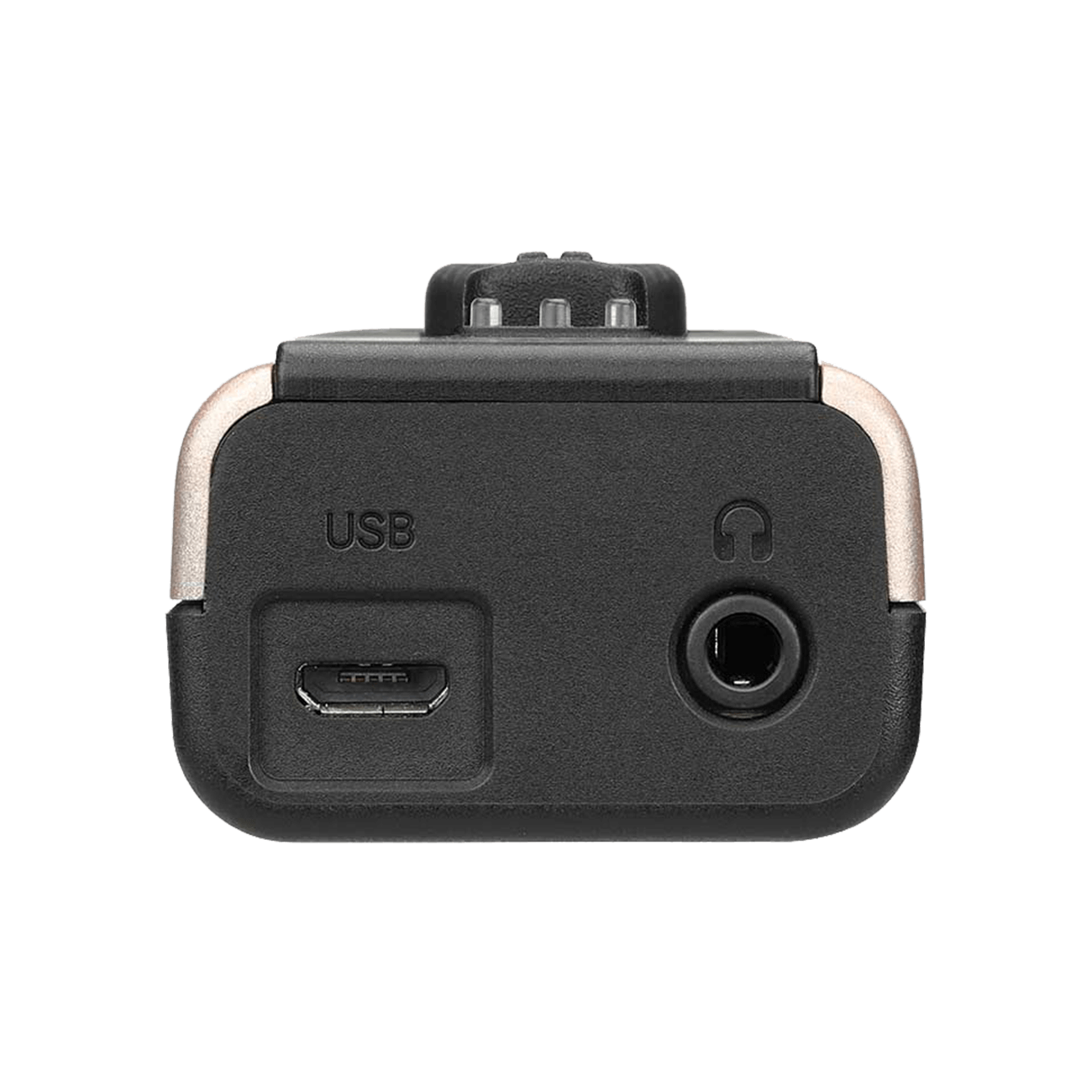
- 1 x 1/4″ Instrument Input
- 1 x 1/8″ output connects to headphones or powered speakers
- Rugged Metal Body
- Blend mode for zero-latency recording.
Your Apogee hardware purchase includes your choice of 3 perpetual plugin licenses from a collection of 100 eligible Plugin Alliance titles, featuring EQs, compressors, channel strips, guitar and bass amplifiers, and creative effects from leading audio brands.
You’ll also receive 90 days of Plugin Alliance PRO, providing access to more than 200 plugins.
How to redeem: Register your Apogee hardware, then email hello@apogeedigital.com with your proof of purchase and a photo showing your product’s serial number. Once verified, we’ll send you the vouchers to select your plugins and activate your PRO subscription.
Available with qualifying purchases worldwide. Selected plugins are yours to keep. Plugin Alliance PRO requires a credit card and automatically renews after the 90-day promotional period unless canceled.
- macOS: 10.14 and later
- iOS / iPad OS: 9 or later*
- Windows 10 or later*
All iPads with a USB-C port are compatible with Jam X. Devices with a Lightning port require a lightning-to-micro USB cable. Which is sold separately.
For Windows download the Apogee ASIO Driver on the Downloads page.
- Jam X
- USB Type C / Type A Cable
- Getting Started Links
- Warranty Information
Leo Amuedo Working With Jam X
FAQ

Jam X comes with a Micro-USB to USB C cable.
This delay is called latency, and is caused by your computer and/or recording software. Here are a few ways to minimize the latency through your system:
1. Set your Amp sim or DAW software to a sample rate of 96kHz – this divides latency in half.
2. Lower the buffer setting on your software as low as possible while avoiding audio dropouts or glitches. If you have a powerful computer and your sessions use a moderate amount of plugin processing, you may be able to find a buffer setting that works.
3. If latency is still too high, turn Blend on to engage Direct monitoring. Blend On – Direct Monitoring When Blend is on, you hear your instrument BEFORE it’s been routed through your Amp Sim app or DAW.
The 1/4″ input is an unbalanced TS instrument input.