MiC +
Original price was: $259.00.$79.00Current price is: $79.00.
USB Condenser Microphone
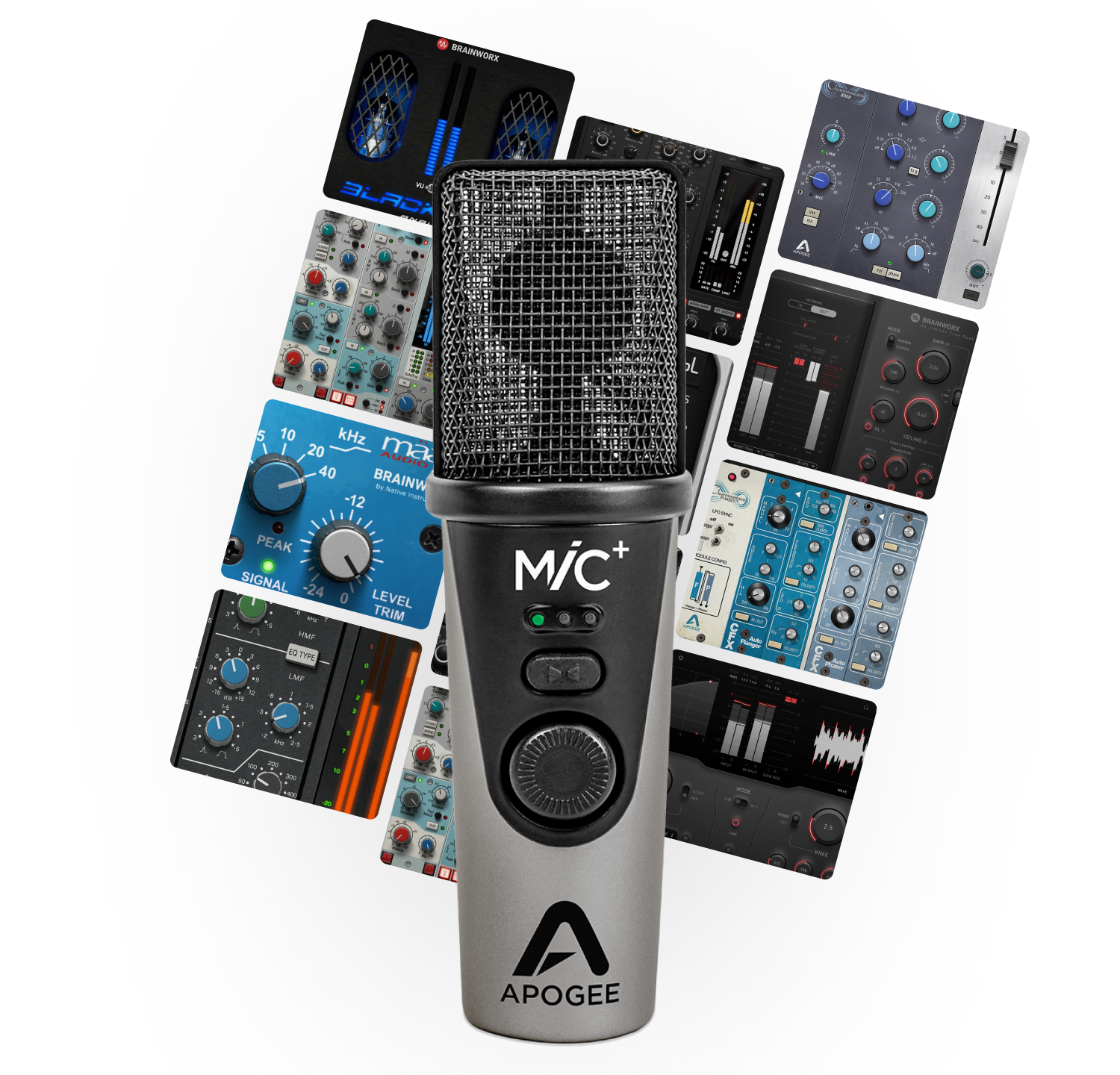
Capture every nuance of your vocal or instrument. Take the studio anywhere you go without all the cables, boxes, and extra weight. Limited-Time Offer: Get 3 FREE Plugins! Choose your favorites from 100 eligible Plugin Alliance titles, featuring Brainworx, AMEK, Apogee, Shadow Hills, Mäag Audio, and more. Yours to keep! Plus, get 90 days of Plugin Alliance PRO with access to 200+ plugins. Offer ends 12/31/26. PRO requires a credit card and auto-renews unless canceled.
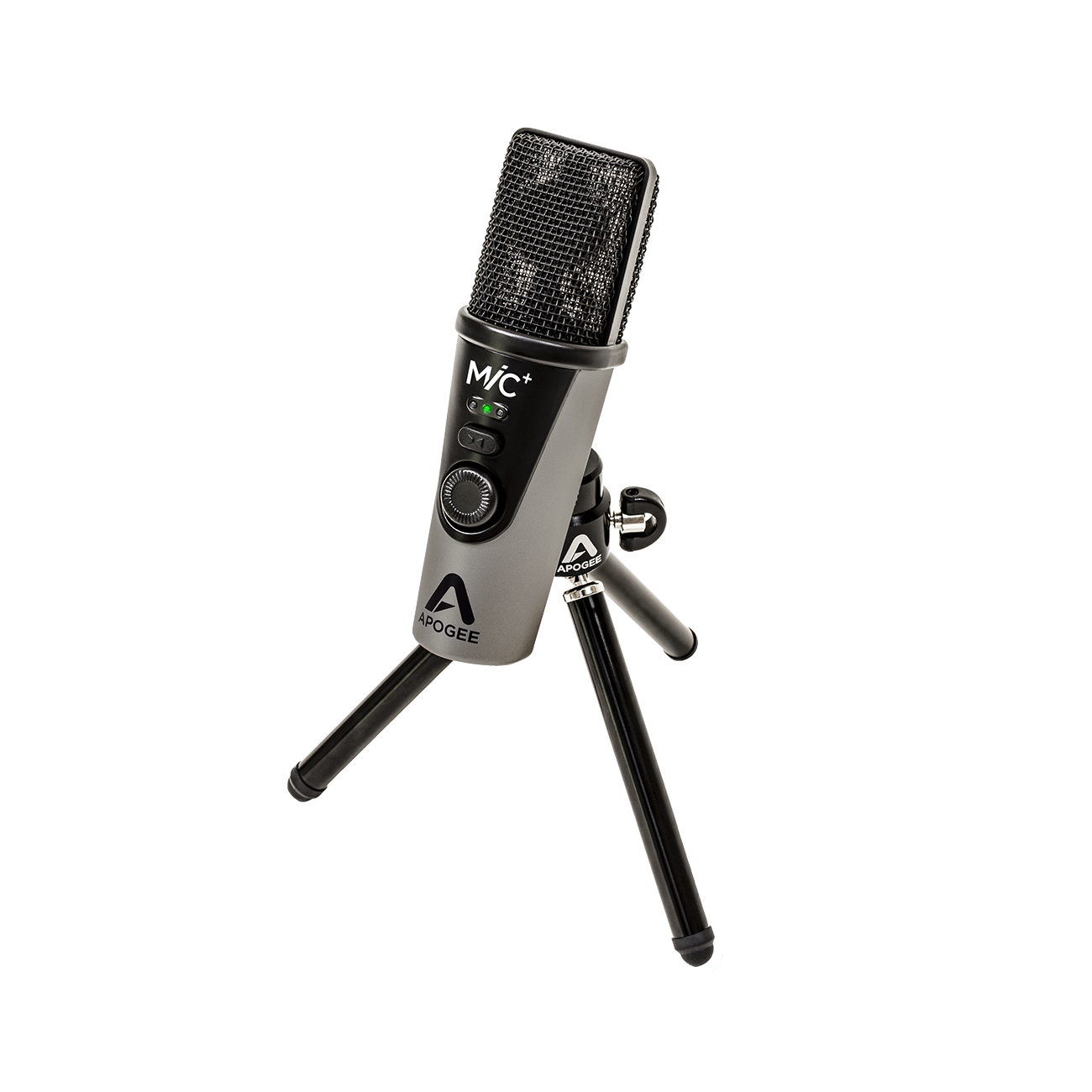
MiC +
$79

Record Anywhere
Never Lose an Idea
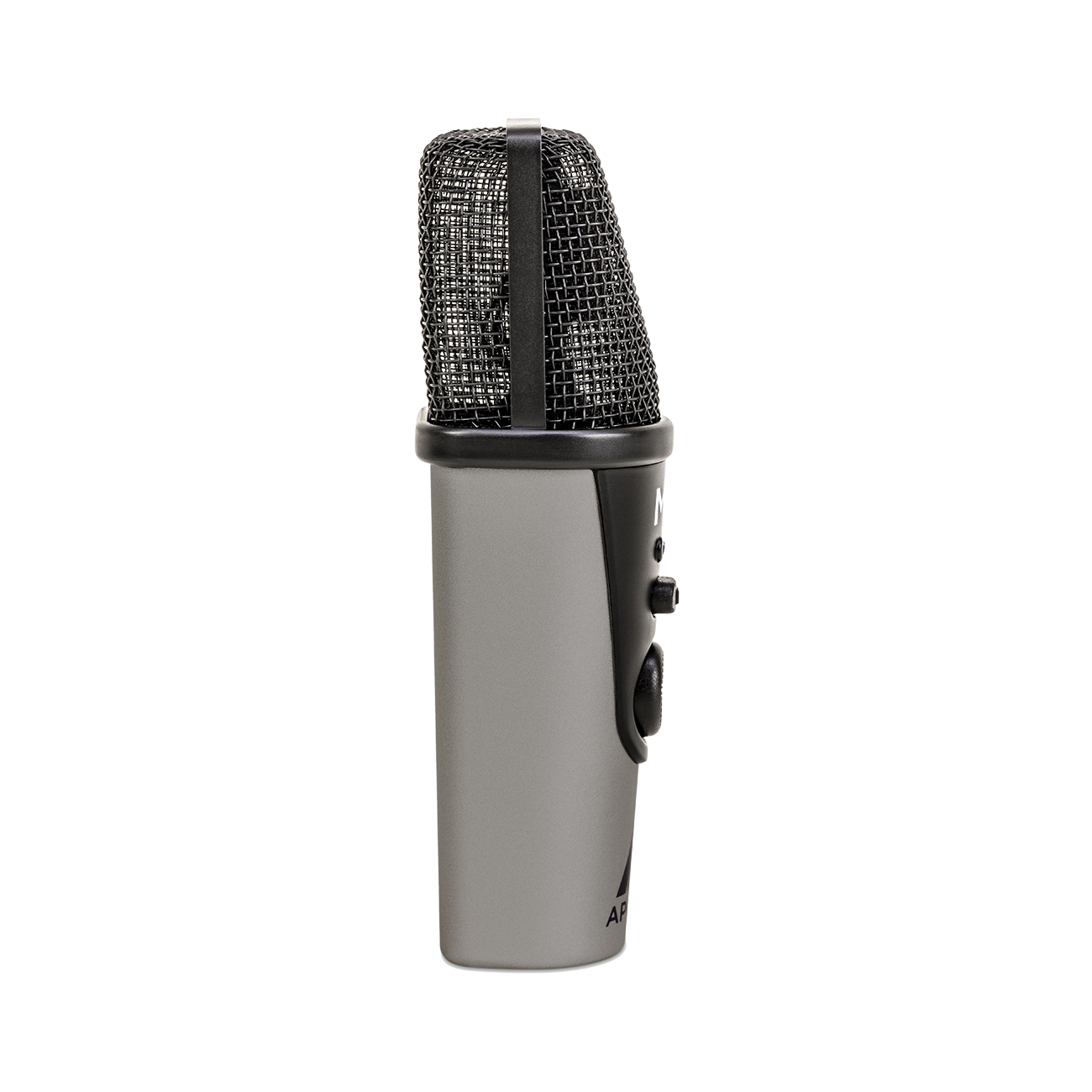
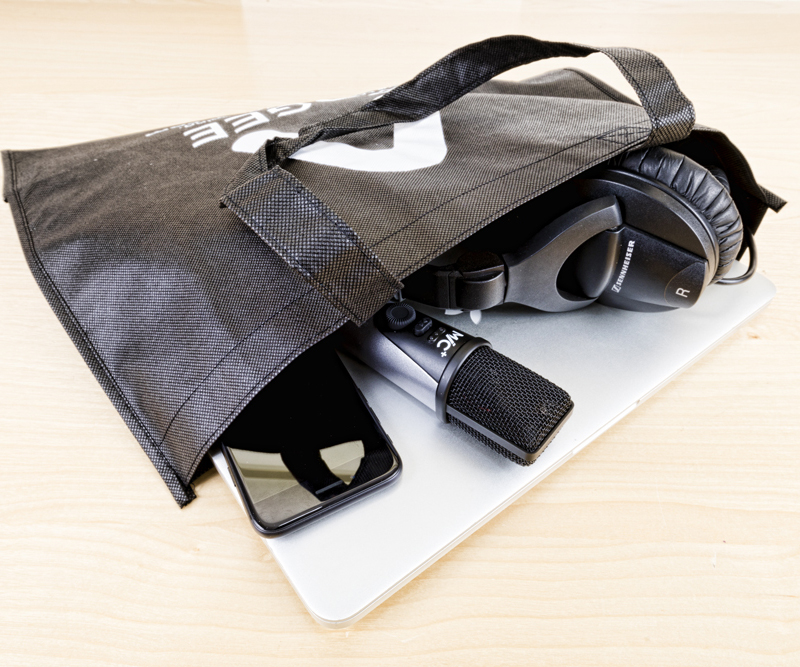
Small enough to fit in your pocket, MiC Plus makes it ideal for recording on the go.
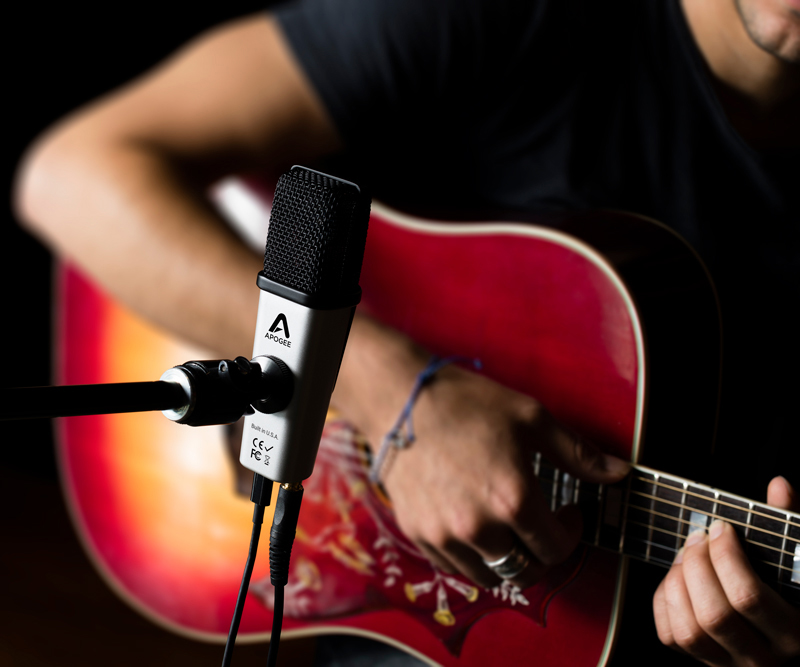
Record Every Detail
MiC Plus’ condenser capsule keeps your sound pure and true to your instrument.
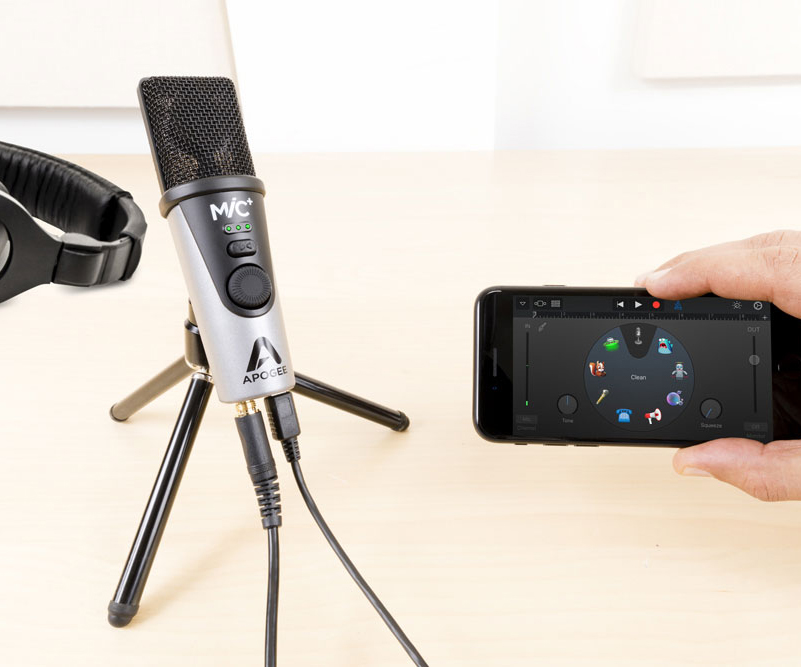
Simple to Setup
With MiC Plus, there’s no complicated setup. Just plug and play.
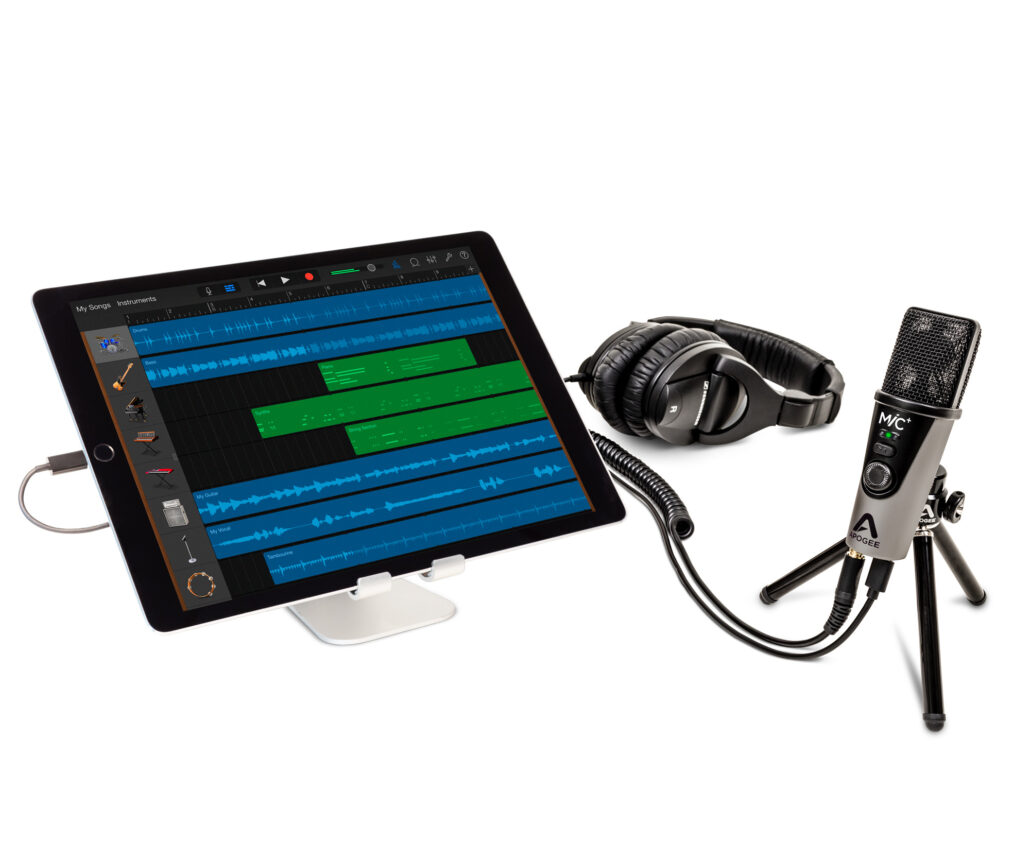
Listen in Real-Time
Easily adjust how much of the microphone input you are hearing compared to the recorded signal.
Product Details
Specifications
Highlights
Included Software
Compatibility
In The Box
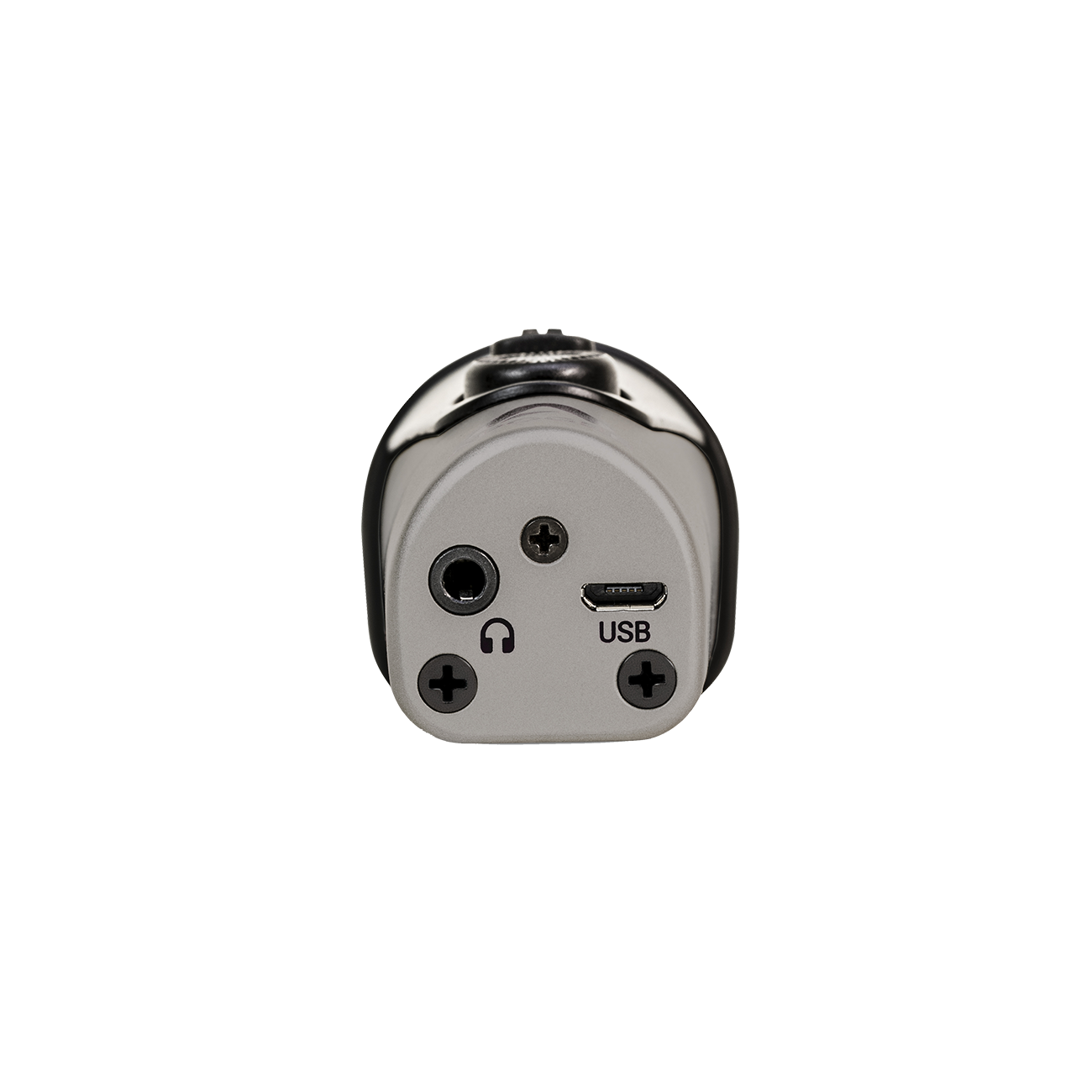
- Input Type: Micro USB
- Connections: Lightning, USB (Type-C), USB (Type-A)
- Length: 4.88” (124 mm)
- Width: 1.5” (38 mm)
- Depth: 1.5” (38 mm)
- Weight: 0.45 lbs (0.20 kg)
A/D Conversion and Mic Preamp
- Max SPL: 130dB (1% THD at 1kHz)
- Sensitivity: -36 dBfs (94 dB SPL. 1 kHz)
- Noise level: -108dBfs (A) at 0 dB gain
- Max gain of preamp: 46 dB
- Professional cardioid condenser microphone capsule
- Powerful headphone output with Blend feature for zero latency monitoring
- PureDIGITAL connection for pristine sound quality up to 24-bit/96kHz
- Premium accessories kit includes tripod, and mic stand mount
- Ideal for voice and acoustic instrument recording
- No configuration required, just plug in and record with any audio app
Compatible with iOS, macOS and Windows 10 - All cables included
Your Apogee hardware purchase includes your choice of 3 perpetual plugin licenses from a collection of 100 eligible Plugin Alliance titles, featuring EQs, compressors, channel strips, guitar and bass amplifiers, and creative effects from leading audio brands.
You’ll also receive 90 days of Plugin Alliance PRO, providing access to more than 200 plugins.
How to redeem: Register your Apogee hardware, then email hello@apogeedigital.com with your proof of purchase and a photo showing your product’s serial number. Once verified, we’ll send you the vouchers to select your plugins and activate your PRO subscription.
Available with qualifying purchases worldwide. Selected plugins are yours to keep. Plugin Alliance PRO requires a credit card and automatically renews after the 90-day promotional period unless canceled.
Mac OS 10.9 or later
- Computer: Mac with Apple silicon or Intel processor
- Memory: 2 GB of RAM minimum
- Connection/power: USB port on computer
Windows 10
- Computer: Windows PC with Intel/AMD x86-64 processor
- Memory: 4 GB of RAM minimum
- Connection/power: USB port on computer
iOS 9 or later
- Connection: USB-C, Lightning
- Power: From iOS device
- MiC+
- Lightning iOS cable
- USB cable (Type C)
- USB cable (Type A)
- Desktop tripod stand
- Microphone stand adapter
- Quickstart guide
Getting Started with MiC+
FAQ

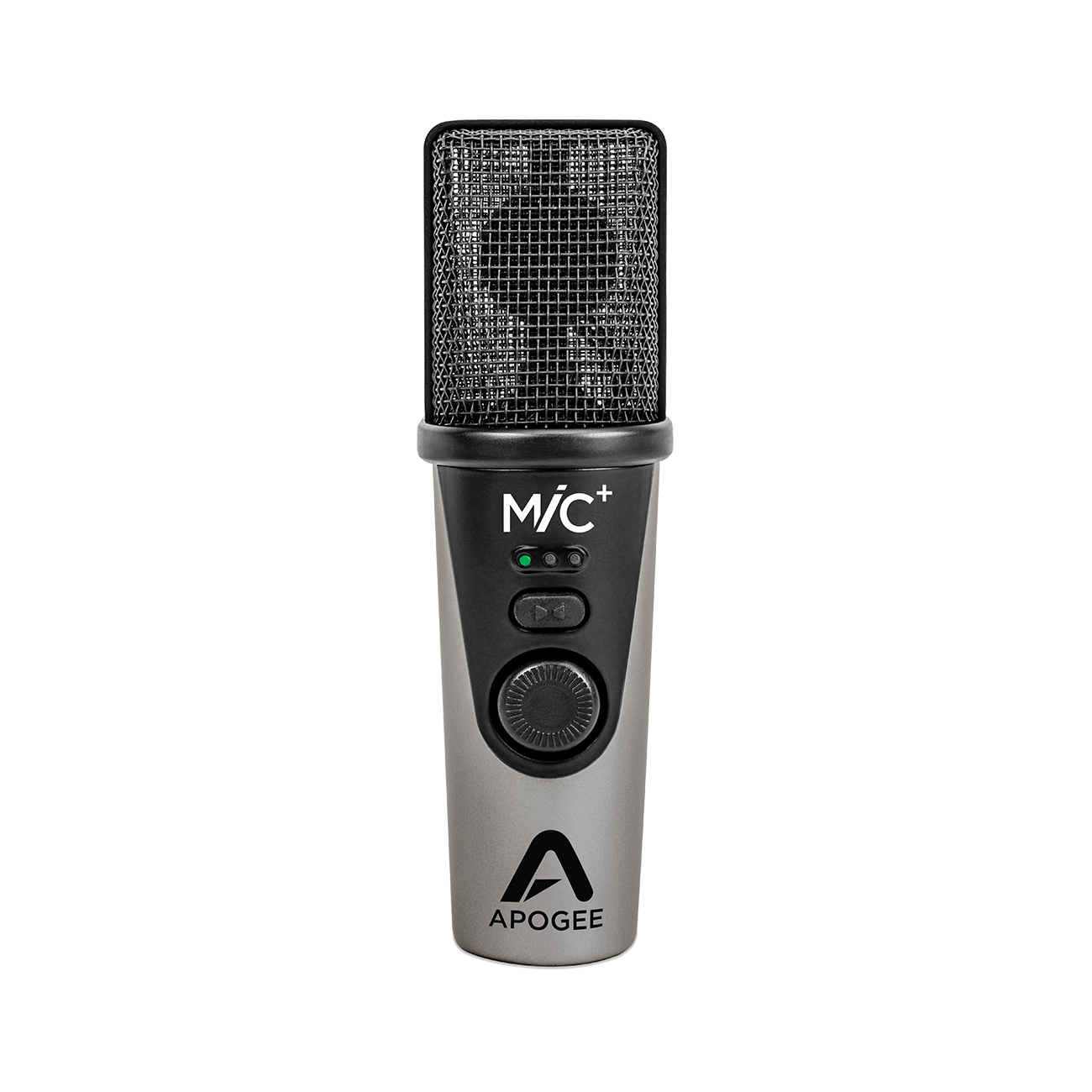
If the MiC Plus is flashing green, it means it’s on Mute. Push the center button to unmute.
When MiC Plus is plugged in and being used by an application as the microphone, the soft-key above the dial cycles through the different monitoring blends. The MiC Plus has 3 levels of control. When the left-most LED is illuminated white, this indicates full “direct’ monitoring signal. You’ll only hear what the microphone is picking up. Continuing to press the soft-key again will cycle through the other levels of blend. When the center LED is illuminated, you get a 50/50 equal blend of direct-monitor from the MiC Plus signal, and playback. The right-most LED illuminated white indicates full playback/software monitoring.
Yes, you can connect it via USB into your iPhone’s lightning port.